Learn to Fly FPV
Learn to Fly FPV
Starting Now


The first step is to learn to Fly in manual (acro) mode. This is different than flying a camera drone that stabilizes itself. Your input to your craft is all in the controller or radio or transmitter (they all 3 mean the same thing).
You are a beginner, and every beginner needs a crash course, literally. We recommend you start in an FPV (First Person View) simulator, where you can crash your heart out with virtual drones, risk-free. Hitting the reset button on a simulator is free, unlike some crashes in real life(where was this technology when I was learning to drive my moms Ford Crown Vic?)
Choose from a selection of remotes at your price point, then use it with any one of the simulators linked below.
*When choosing your remote, we recommend you choose the ELRS version of each remote listed, it will be helpful down the line when building your first FPV drone, trust us.
*NOTE: These remotes are BATTERIES sold separately. Please source the batteries you need (2 18650 cells, or an appropriate LiPo battery).
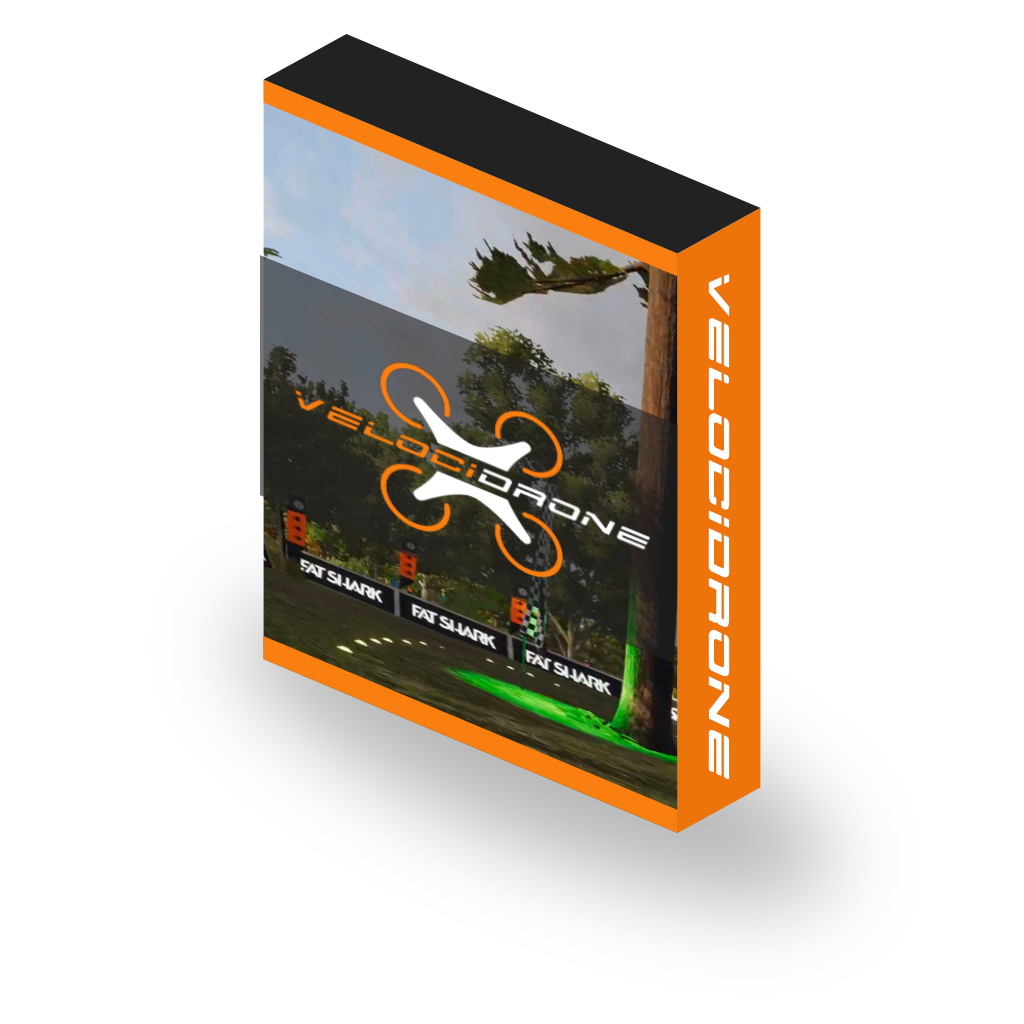
The sim of choice for most FPV racers and a great way to learn the mechanics of flying without breaking your drone.
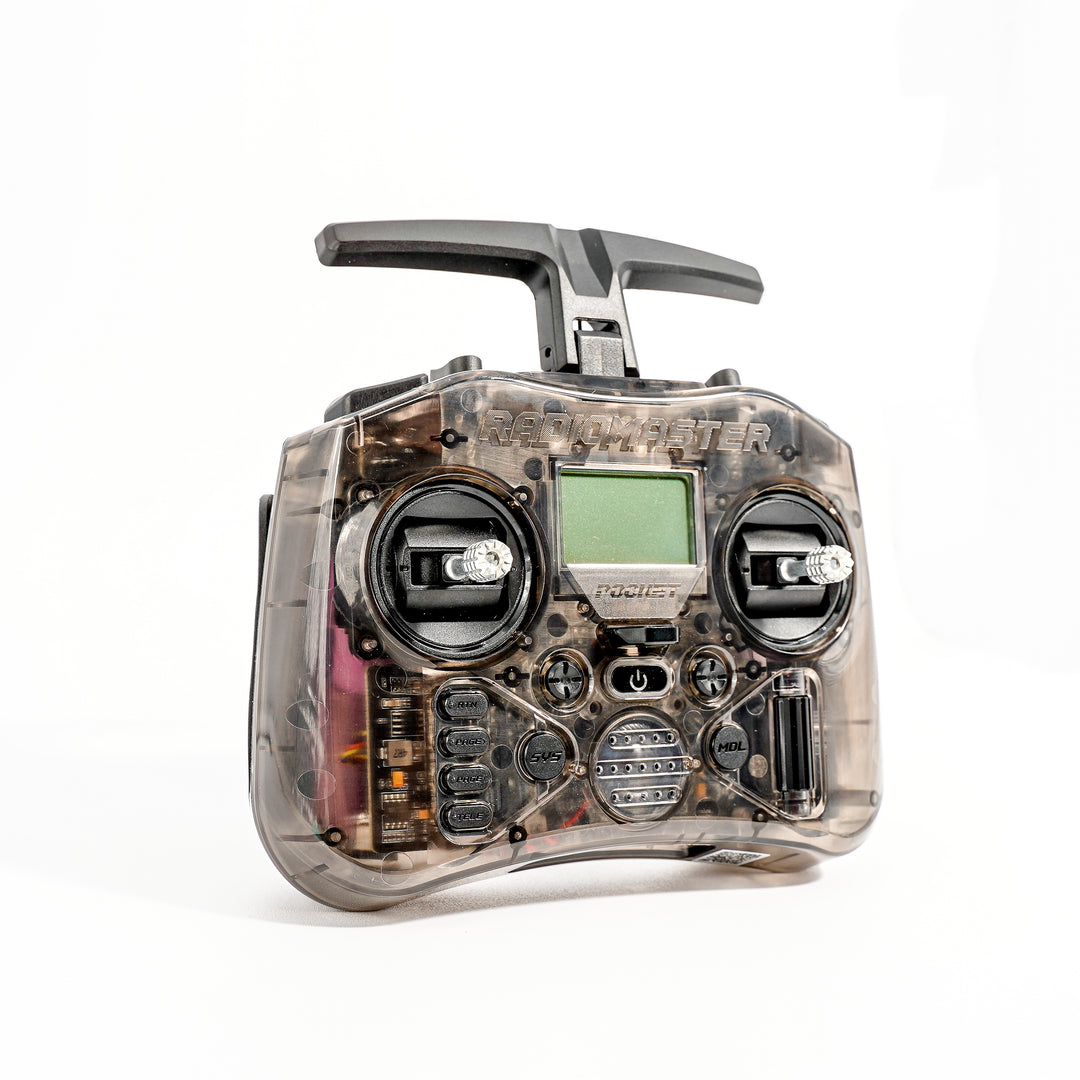
Dip your toes into FPV for only $77.99 with the Radiomaster Pocket. Smallest option available. Great way to start or travel lightly.
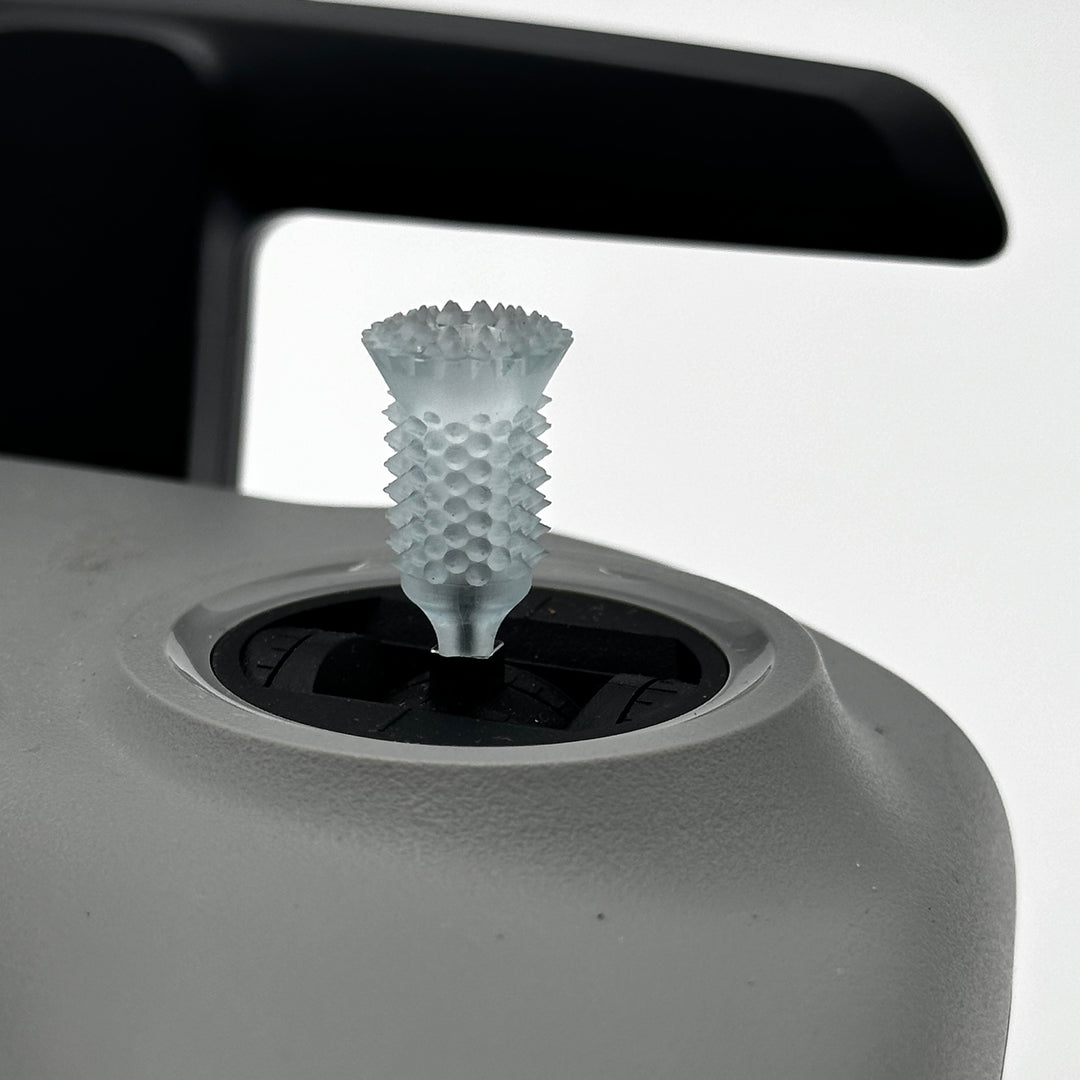
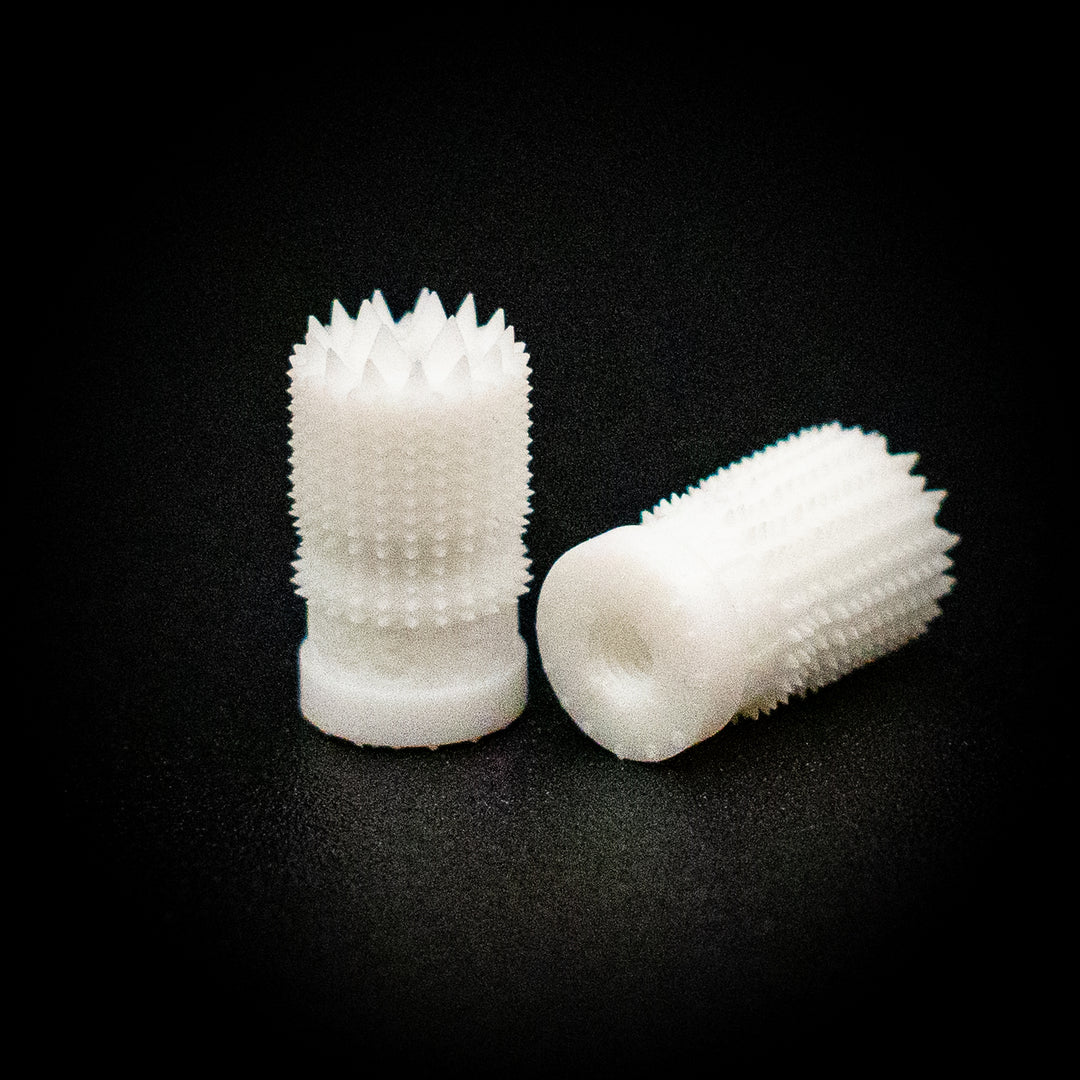
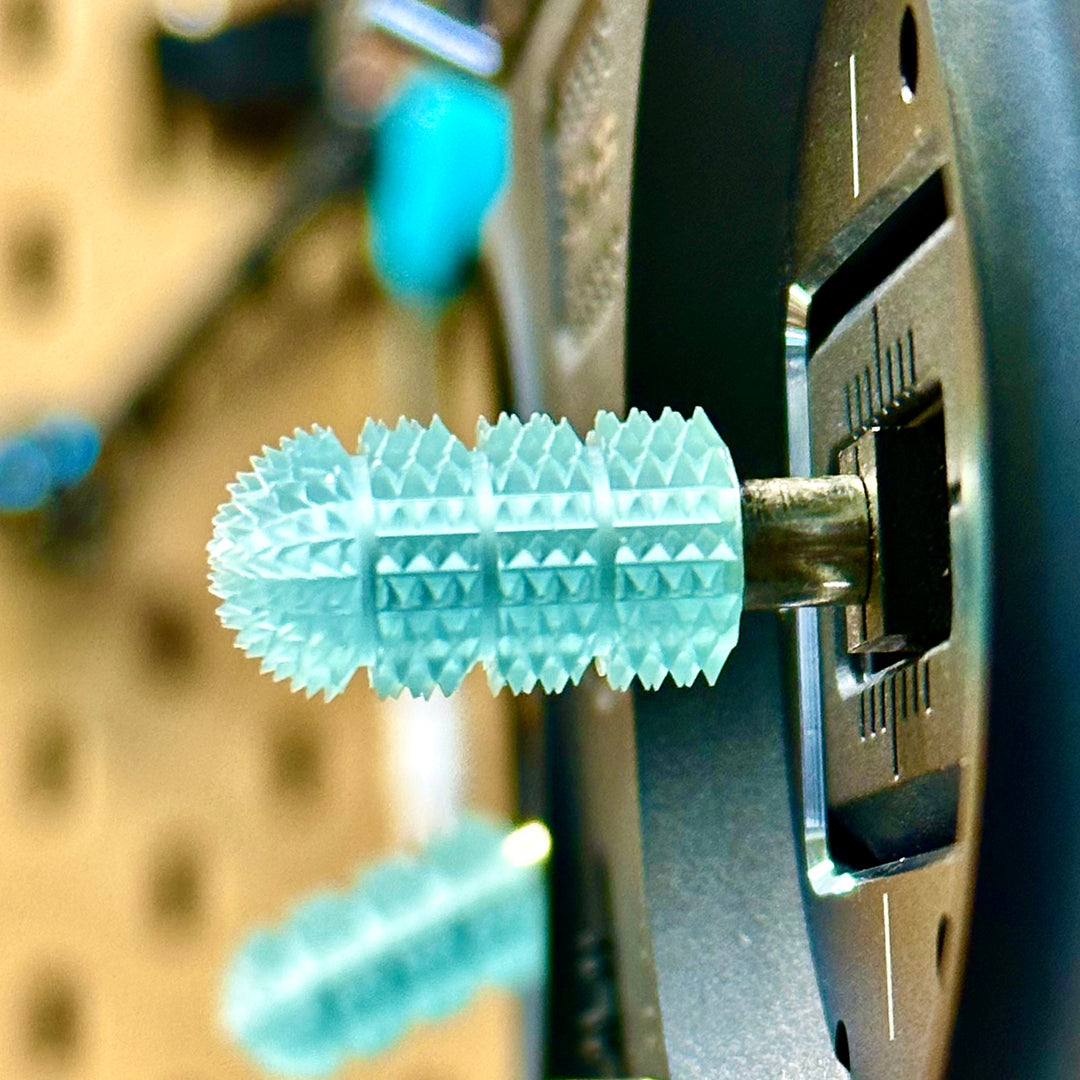
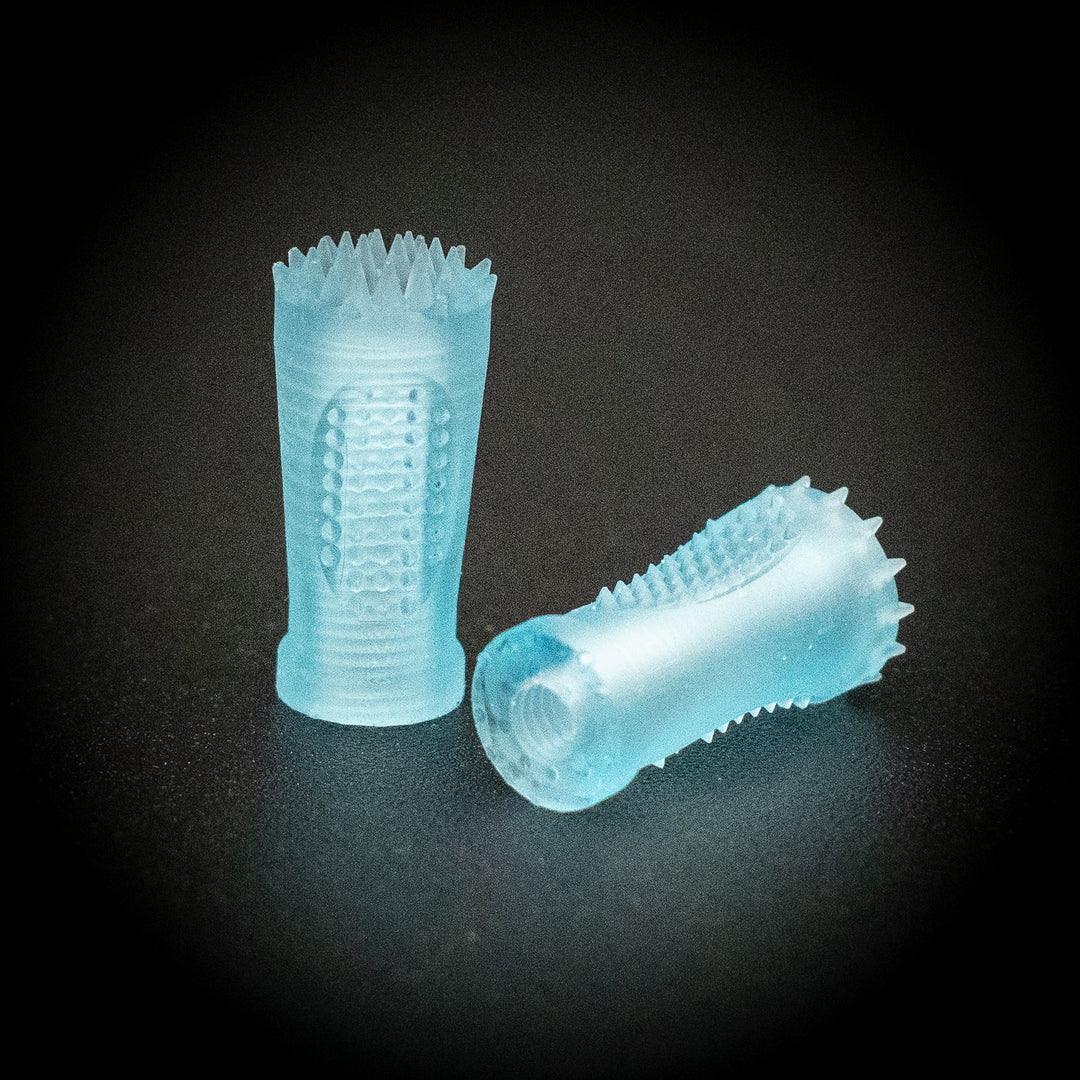
After you have picked your controller, now you can select a stick end. All Radios come with stick ends, but just like you may select a custom steering wheel, shift knob for a race car, or an Elite gaming controller for gaming, RipSticks allow you to get the right grip for your needs (and enhance the aesthetics).
Before we go further, lets decide what video systems meets your needs, and what the differences are between them.
Imagine your drone as a miniature broadcasting station that sends the live view from its onboard camera straight to your goggles. Various technologies come with their own set of advantages and drawbacks, including cost, image quality, and latency. Below, you'll find a summary of the three main systems.
This means that you need both a receiver, that receives the video system in your goggles, and a transmitter that transmits the signal seen by your camera. (this part will live on your drone)
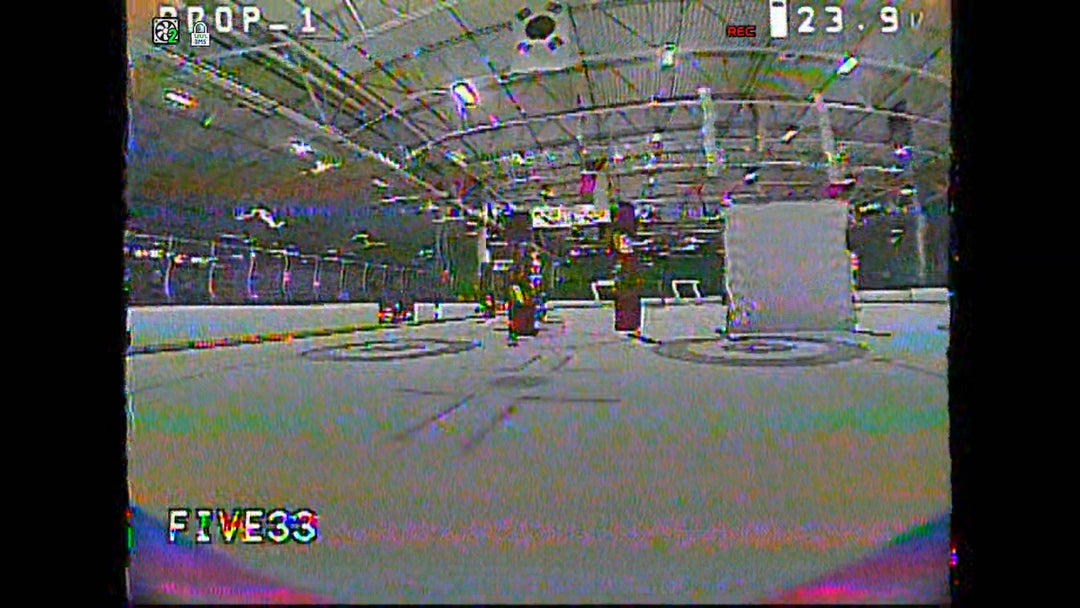
The least expensive, the smallest and lightest. Great for racing, worst image quality. Typically has lower latency compared to digital systems; however, they suffer from lower video quality especially in terms of resolution and clarity.
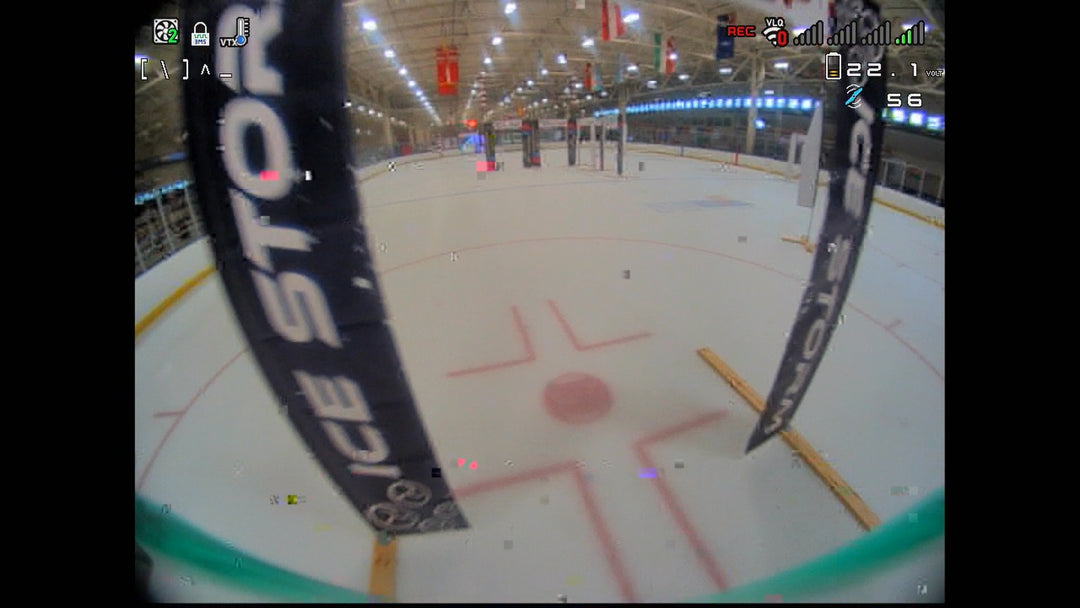
Cost goes up a little, low resolution HD picture, greater color representation, low latency, great for racing. Cons: Range and pentation are not amazing.
Most Expensive. Not great for racing at official events. Best image quality, great range and penetration. Physically larger, so drones end up not only costing more but also a bit larger/heavier.
Clearer and sharper images, making it ideal for cinematic and professional applications. However, digital systems may have slightly higher latency compared to analog systems.
You need goggles and a tiny drone so you don't die.
After you have learned the basics of flying and gotten those first few hundred crashes out of the way virtually, it is time to start leaning to fly for real. Lets start small, in that the crafts we want to select will be smaller, less expensive, and some can even practice indoors.

Classic analog fpv goggles. Low resolution, but also low latency, great way to get started into FPV, without breaking the bank.

The lightest, easiest way to learn to fly from the comfort of your own home. Grab a Hot & Ready Race Whoop from us to take home today!
The Tiny Trainer is the perfect model
Now you have learned to fly on simulator, you have some stick time on tiny whoops, and you are ready to go a little bigger and a lot faster, but perhaps not ready to go all out for a 5" racing drone. The 3" prop size of the Tiny Trainer allows you to get much of the same flight feel in a smaller, lighter package.

This 3" spec racing machine is designed to be lightweight, durable, but still enough speed to compete.

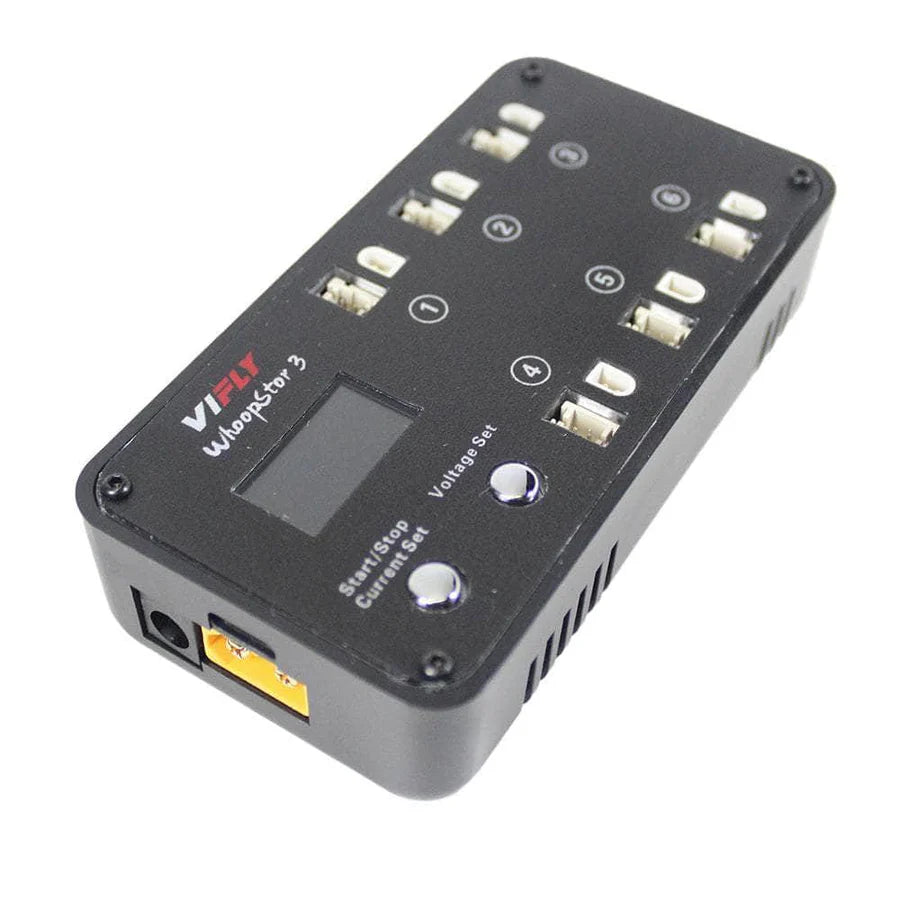
Our Tiny Trainers run off a 3S battery and these Budget Packs offer great solution for continued practice sessions.

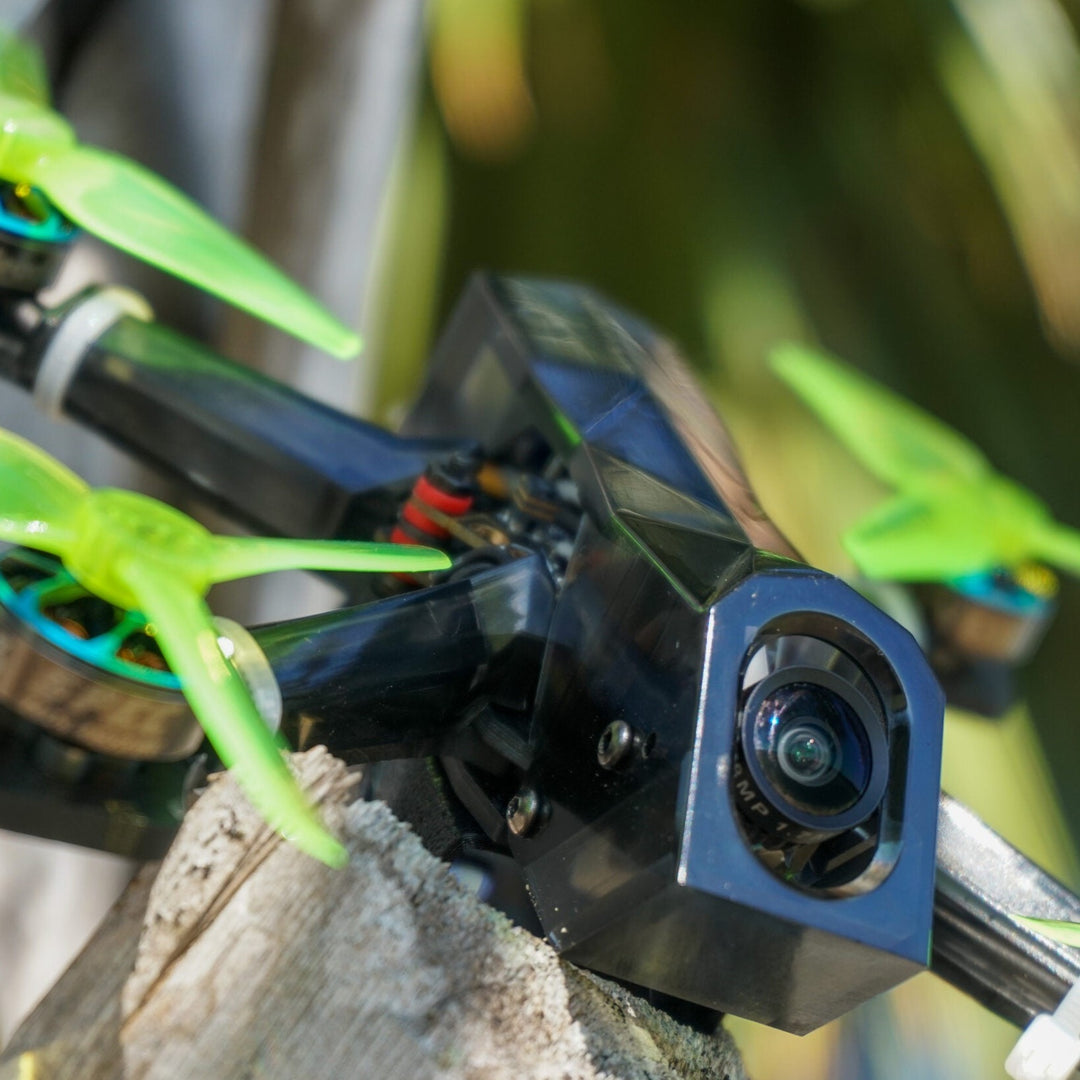
Our newest addition to our Tiny Trainer lineup, offering a sturdier build with clean motor power.
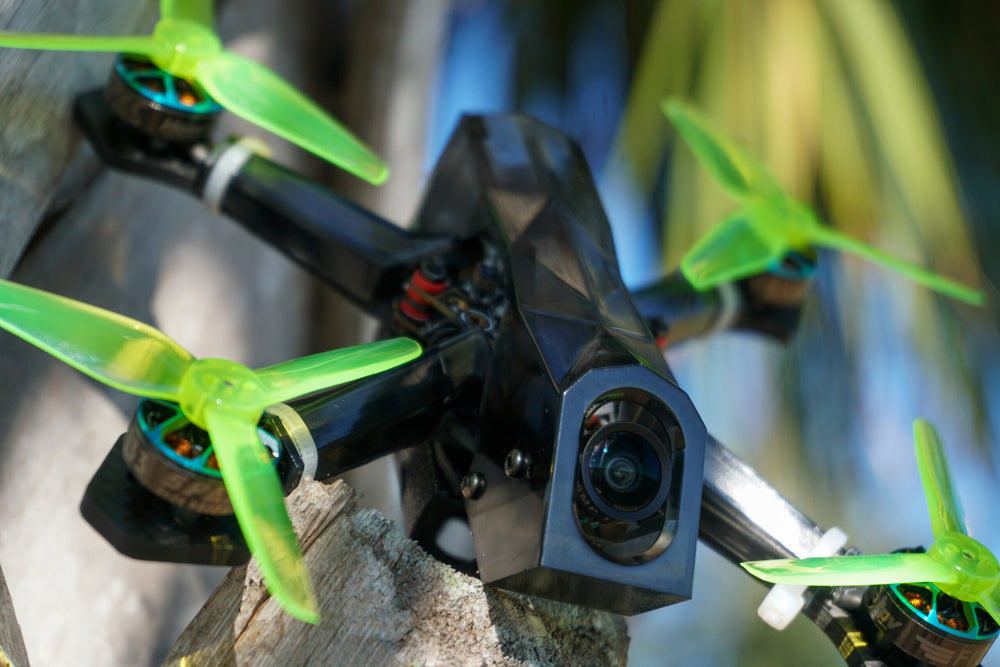
You have learned to fly, now you are ready to race around on a home made track, or at an official race. You need a 5" racing quad, so we start out with recommending a ready to fly custom build drone, or the parts to tackle your own build. The open racer is an open source platformed designed by top Racer, Famous YouTuber, and Betaflight developer Limon. Created from the hard crashing demands of Houston's Night spot it is the most durable racing platform ever created.
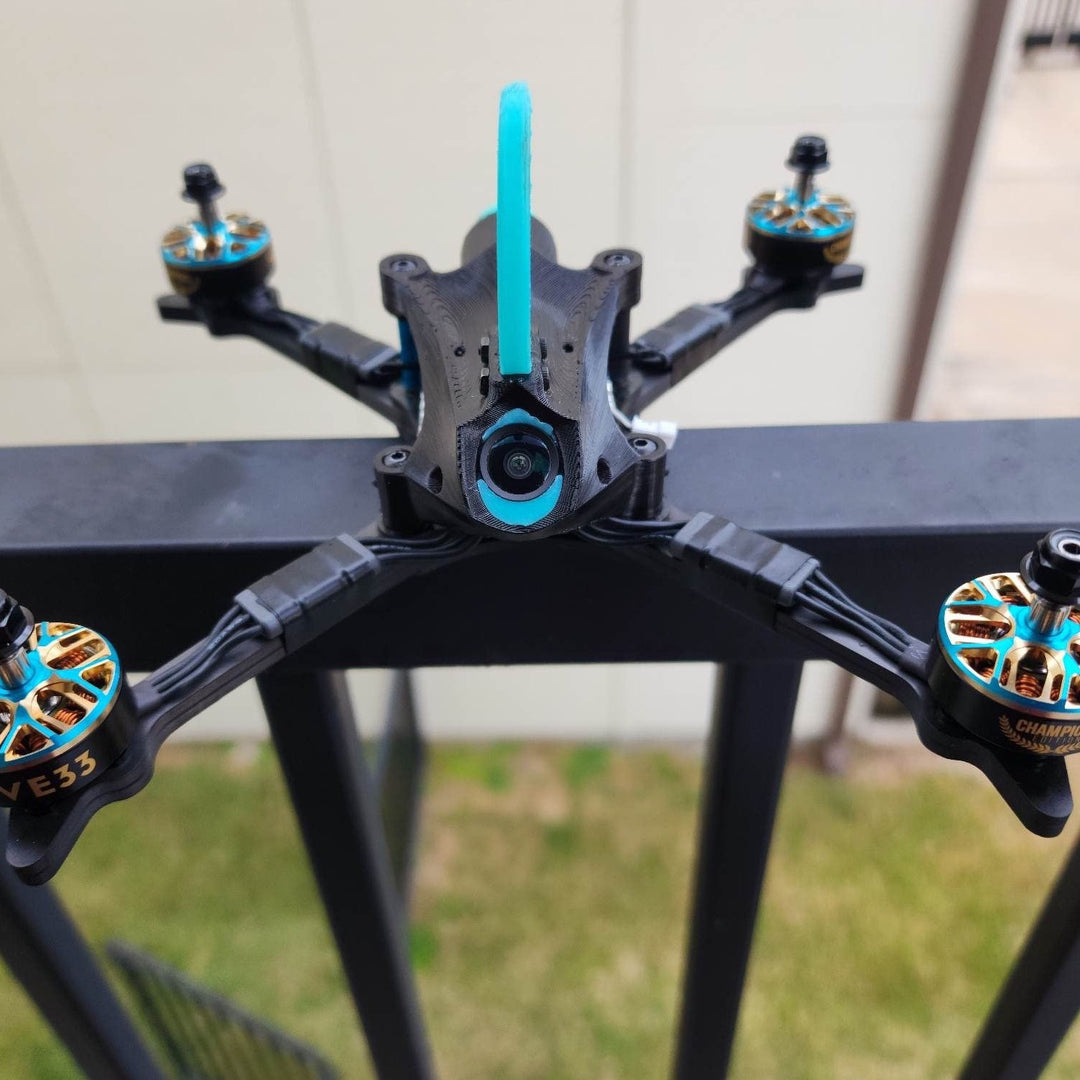
If you are ready to race, (but not ready to build), have us do it for you. OpenRacer also comes as a Ready to Fly. (Frame, and electronics available separately as well)

Offers more speed than the Open Racer, but still provides a durable platform for pilots new to the racing scene. Grab a pre-built from the Five33 team or get the parts to build one yourself.
You are ready to go as fast as possible. You are ready for the formula 1 car of drone racing. An ultralight racing machine the same type of spec that has sat upon every major podium. Whether we build it for you, or you build your own, you will want something like the LightSwitch V2 Ultra. Go even bigger and grab a 7" build like the Spec7 or Pro Spec.

A 7" racing spec frame by 533, open source and fully compatible with Street League Racing.

The lightest and fastest Ready To Fly drone you can get. Used by some of the top drone racing pilots in the world.
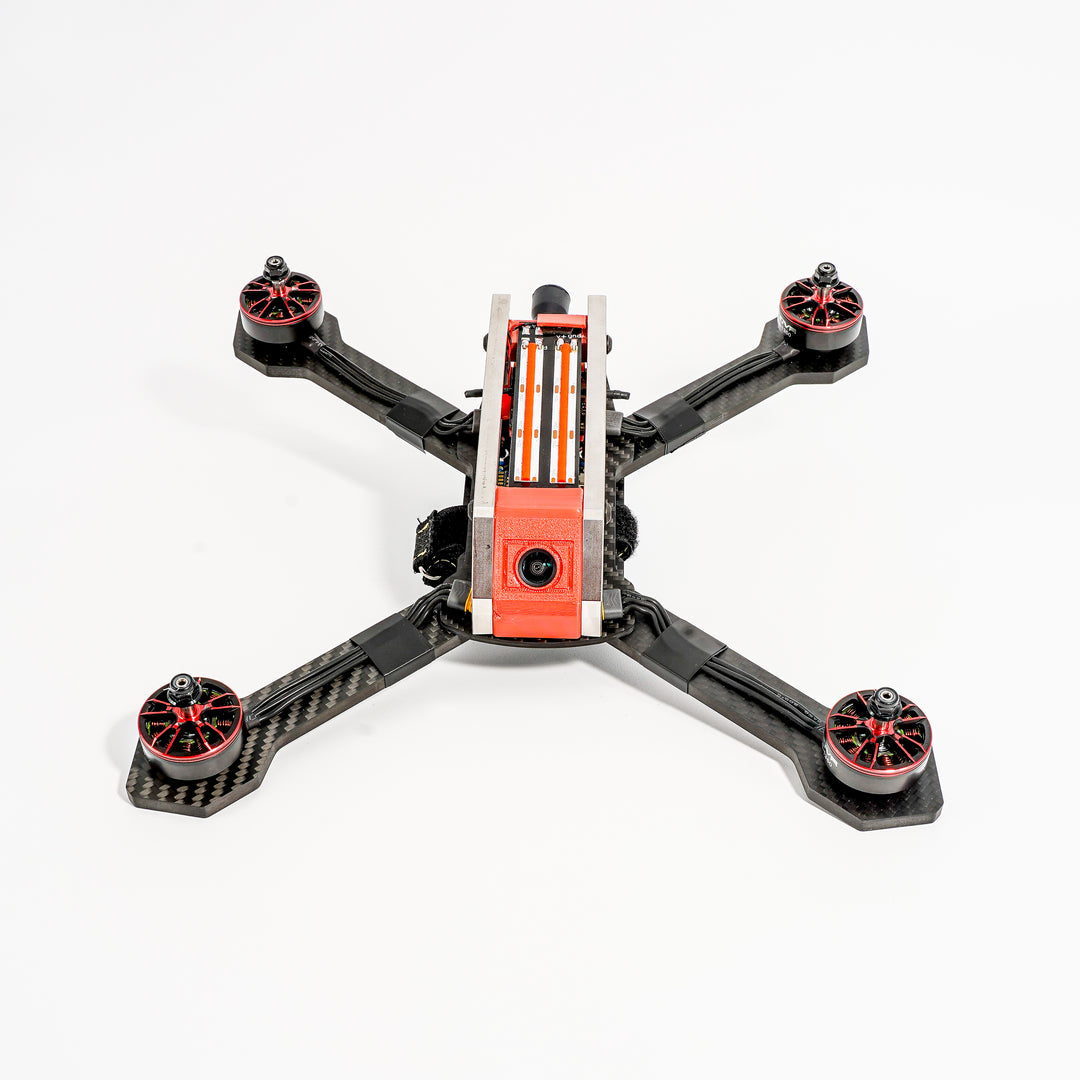
The Nascar build of the drone world, great for spectators and focusing on skill over speed.
Along the way, you may be ready to try your first build yourself. We got you covered, select each component (Frame, Motors, Electronics, Camera system, props etc.. to get started.
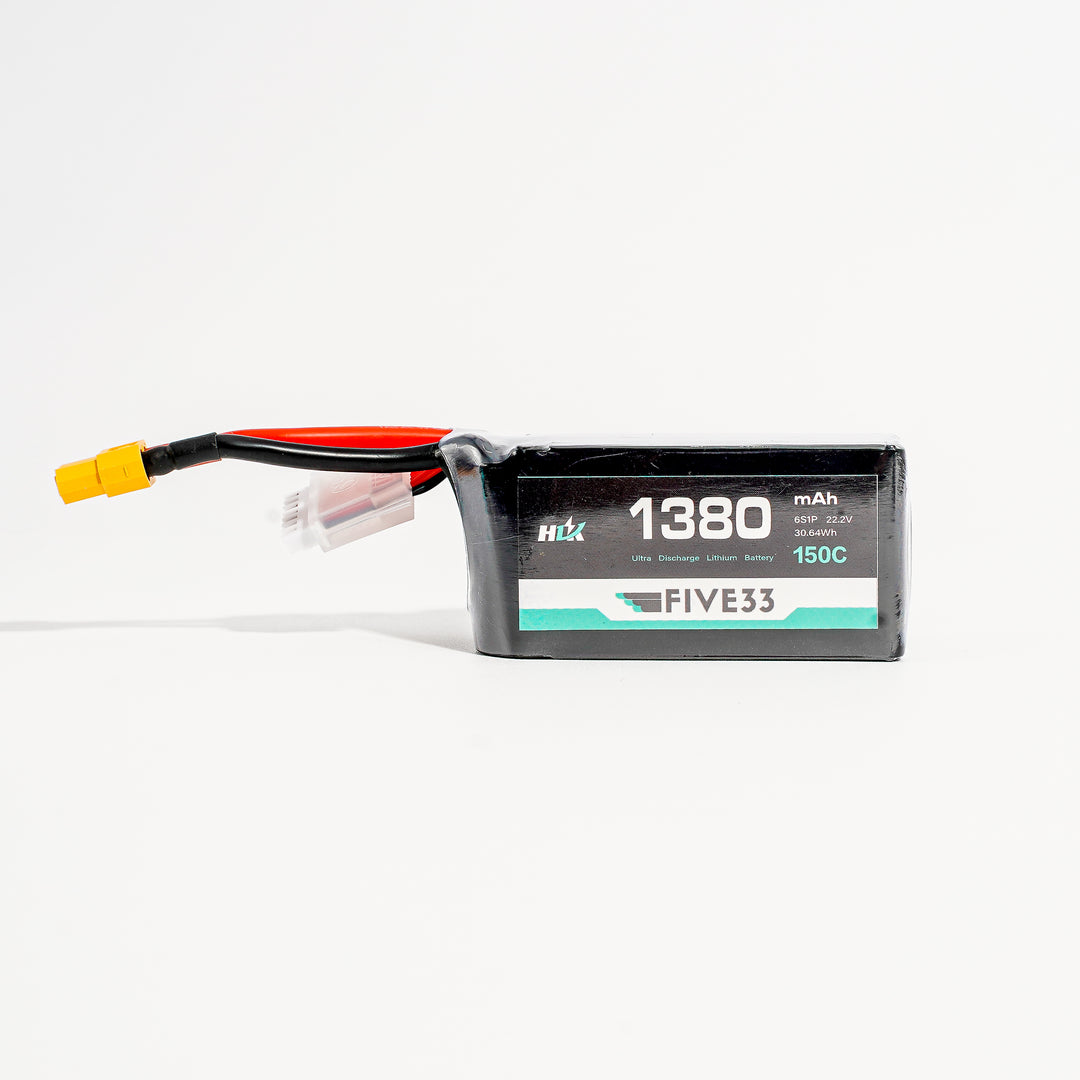
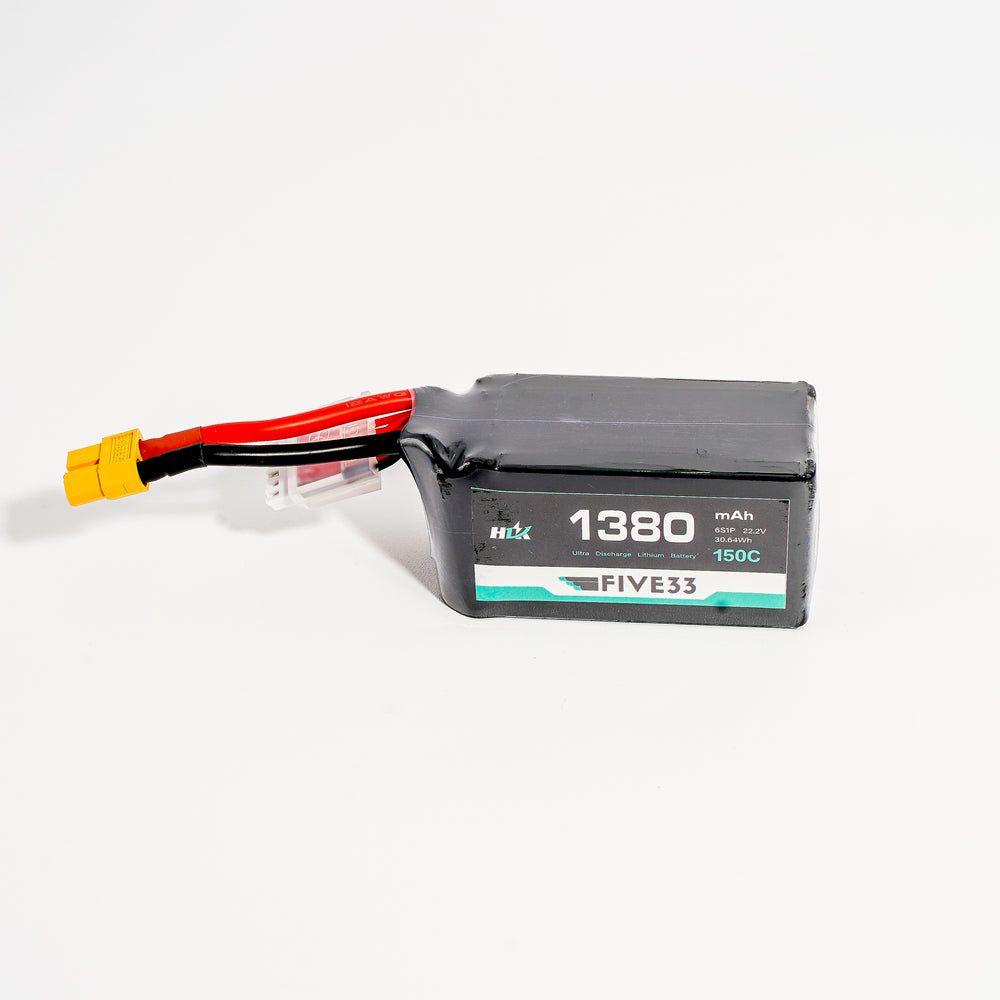
All the drones mentioned use LiPo batteries. We refer to the voltage they put out based on the number of cells they have. 1 Cell or 1S like we use in a tiny whoop, all the way up to 6 cells or 6S, that we would use on a 5" quad.
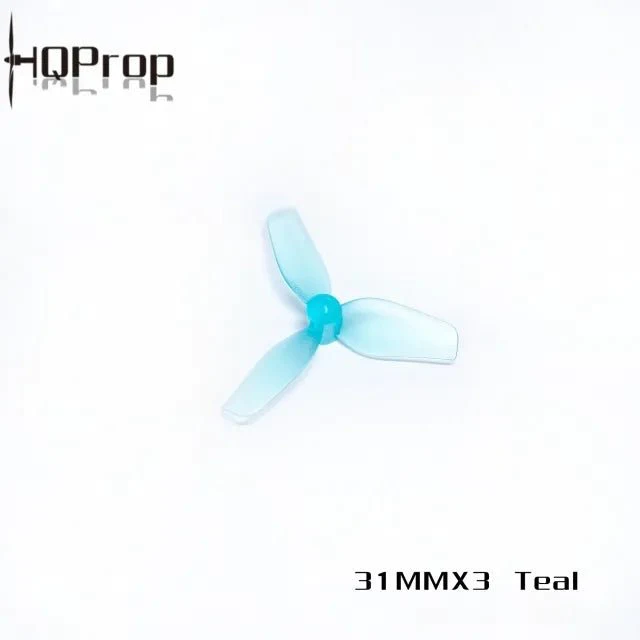
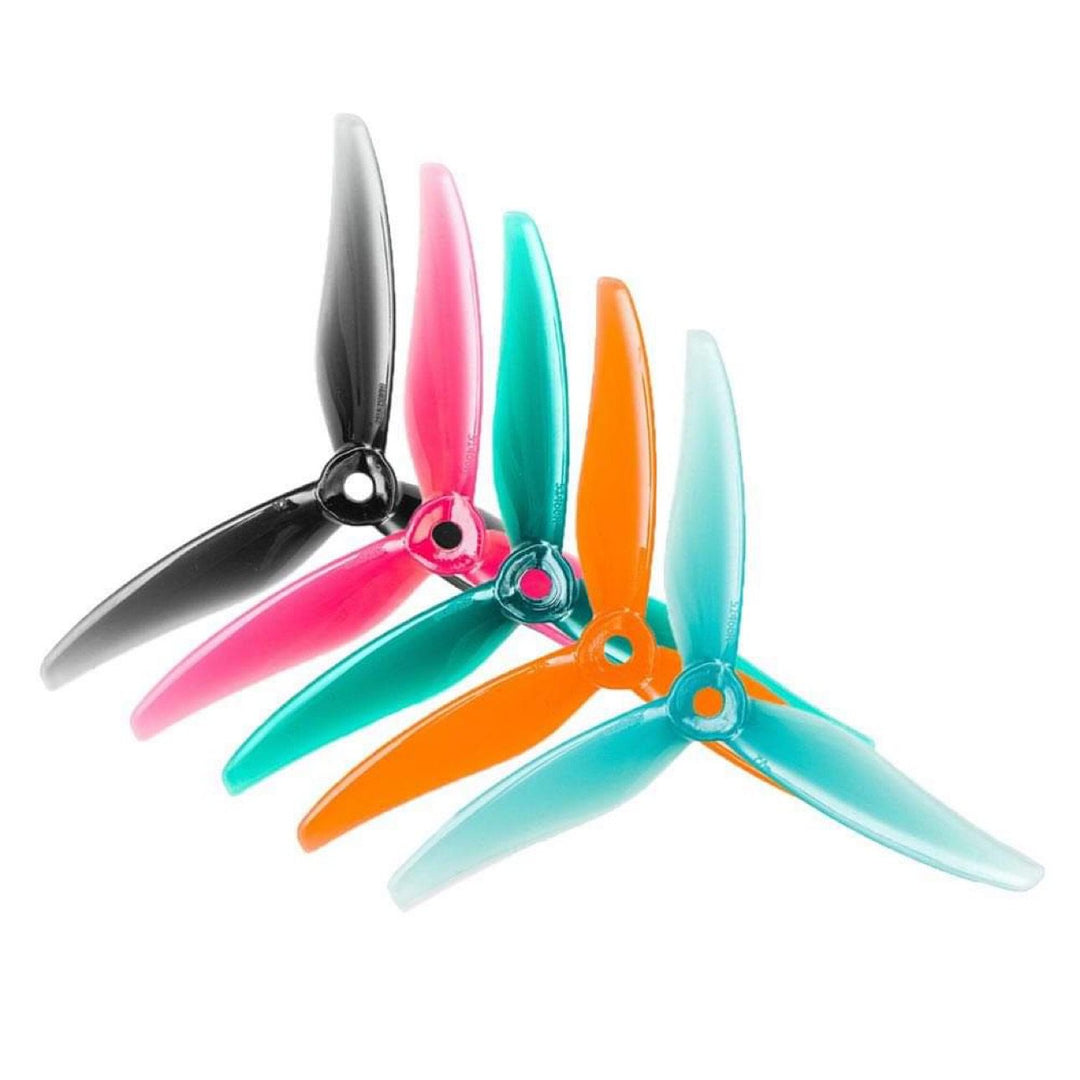
Props are referred to by the diameter, however, we also refer to a drones size by its size of propeller it uses. 2", 3", 5", 7". Although for whoops we often use the metric system, 31 or 40mm props.